Avatar examples#
Try the live creator or use MCP to make your own. These 24 GIF examples were generated through the Avatar Studio MCP server, using different colors, accessories, expressions, classic and seeded fluid bodies, and profile badges. Each preview links to its downloadable GIF.
MCP GIFs use a deterministic blink cycle with a selected expression. Sleeping eyes stay closed. For full actions, cursor following, and gestures, embed the live npm component.
Classic square |
Music lover |
Royal surprise |
Fluid fox |
Wizard |
Botanical |
Sleepy beanie |
Cyber visor |
Bookworm |
Party time |
Fluid bunny |
Cowboy |
Chef |
Pirate |
Little angel |
Tiny trouble |
Winter scarf |
Graduate |
Fluid bear |
Alien signal |
Top hat |
Lightning hero |
Heart glasses |
Space goggles |
SVG, PNG, and sprite examples#
The same designs can be exported as transparent SVGs, profile PNGs, or sprite sheets with frame coordinates.
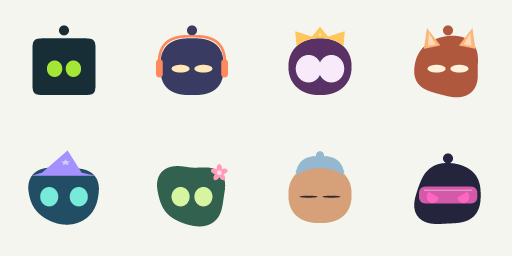
Classic SVG · Headphones SVG · Crown SVG · Fluid fox SVG · Wizard SVG · Flower SVG · Sleeping SVG · Visor SVG









Reproduce the GIFs using the exact create_avatar arguments in the example manifest. See sprite coordinates and configs for the PNG sheet. All assets are committed to this repository; no external image host is required.
Avatars in real applications#
48 illustrated use cases, from account profiles to agent workflows. These are documentation mockups made with real avatar exports, not bundled integrations. Your application supplies messaging, presence, notifications, accounts, game logic, and state transitions. Platform support for animated profile images varies; use PNG when GIF is not supported.
Profiles and communities#
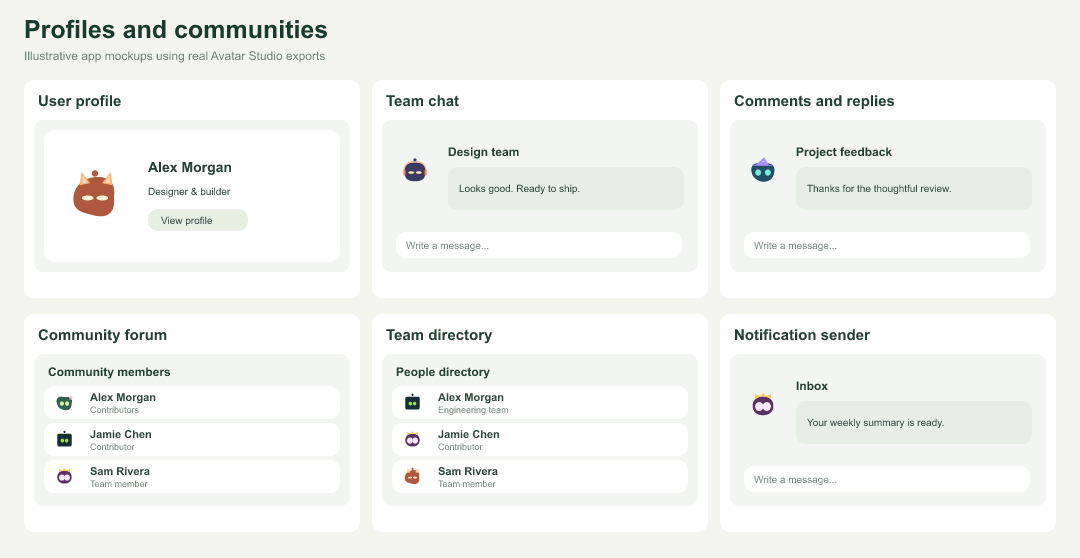
| Example | How to use it | Tool or export |
|---|---|---|
| User profile | Your own recognizable account picture. | create_avatar |
| Team chat | Recognizable faces beside every message. | create_avatar_batch |
| Comments and replies | Give authors a consistent identity. | generate_identity |
| Community forum | Pseudonymous profiles without photo uploads. | generate_identity |
| Team directory | Create a coordinated set of team avatars. | create_avatar_batch |
| Notification sender | Distinguish people, bots, and app events. | create_avatar |
Assistants and support#
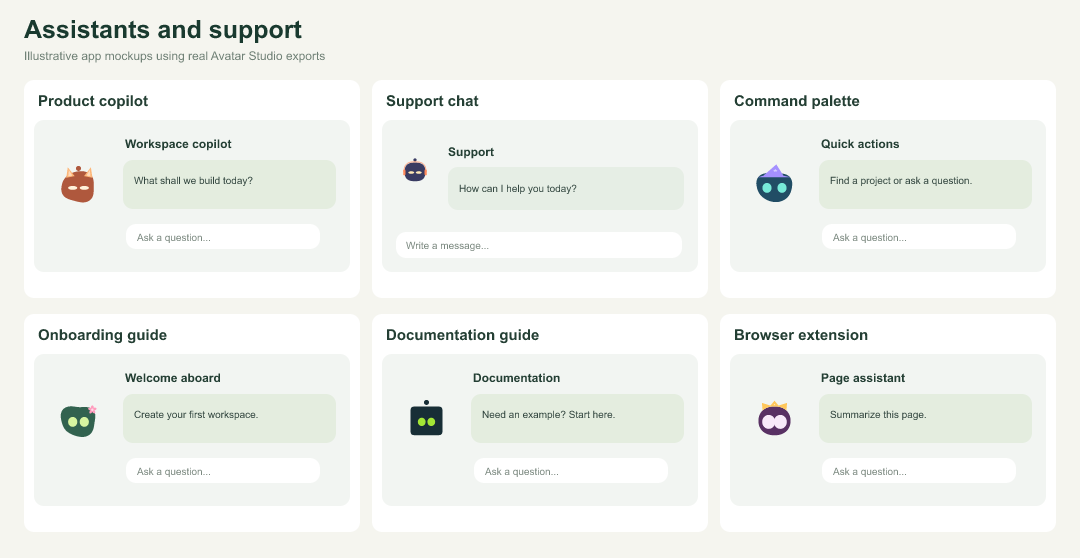
| Example | How to use it | Tool or export |
|---|---|---|
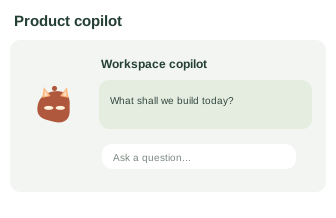
| Product copilot | Embed a companion beside useful suggestions. | create_avatar_component |
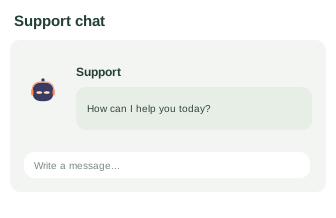
| Support chat | Use a friendly identity for support agents. | create_avatar_component |
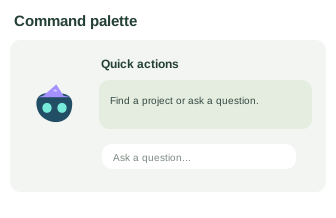
| Command palette | Give your in-app assistant a face. | npm component |
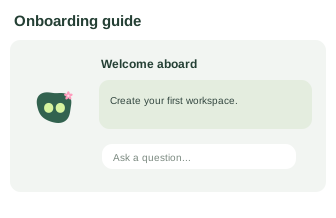
| Onboarding guide | Explain the next step with a character. | create_expression_pack |
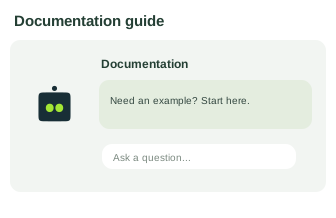
| Documentation guide | Add a recognizable guide to documentation. | npm component |
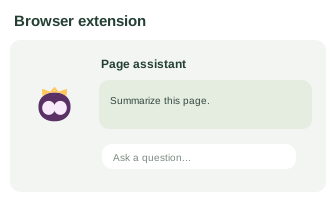
| Browser extension | Fit a tiny helper into an extension popup. | npm component |
Presence and workflow states#
| Example | How to use it | Tool or export |
|---|---|---|
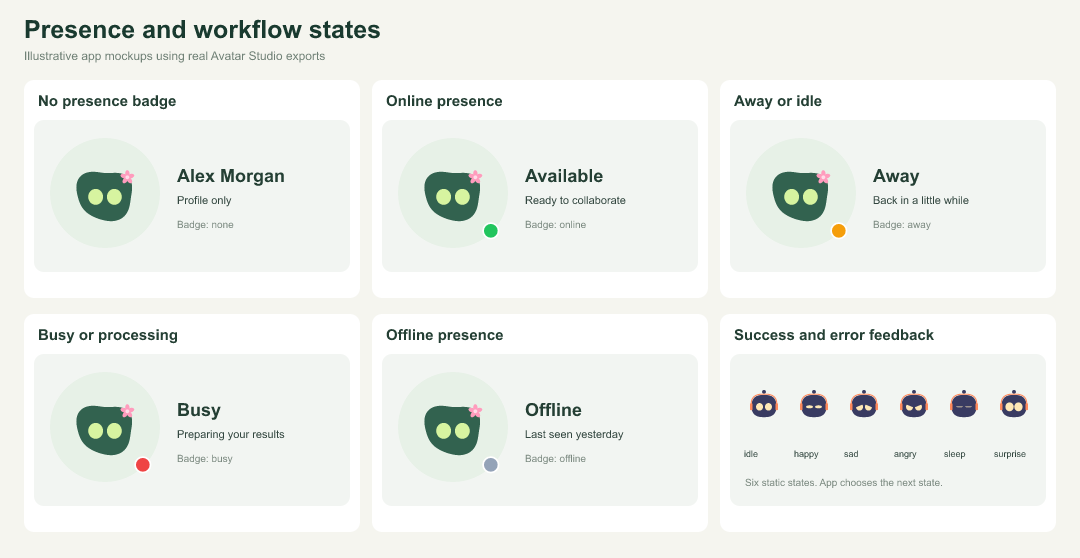
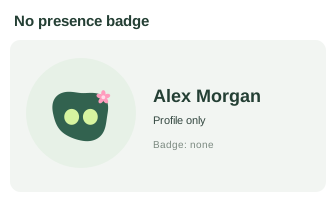
| No presence badge | Use the avatar without a state indicator. | create_avatar |
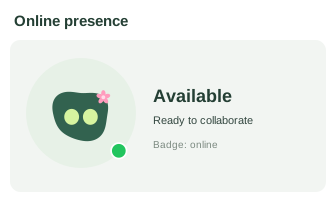
| Online presence | Show an available person or assistant. | create_avatar |
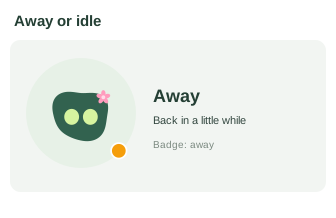
| Away or idle | Show a temporary absence with a badge. | create_avatar |
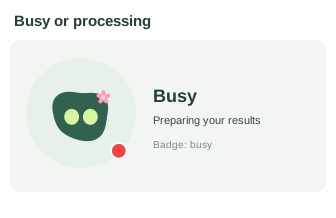
| Busy or processing | Show an agent working on a request. | create_avatar |
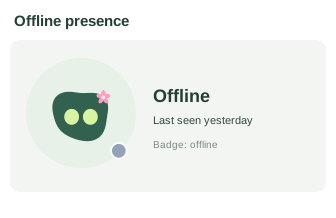
| Offline presence | Keep unavailable users visible in a roster. | create_avatar |
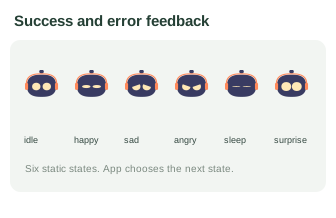
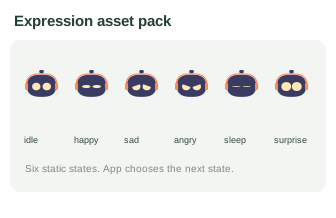
| Success and error feedback | Map avatar expressions to app outcomes. | create_expression_pack |
Collaboration and work#
| Example | How to use it | Tool or export |
|---|---|---|
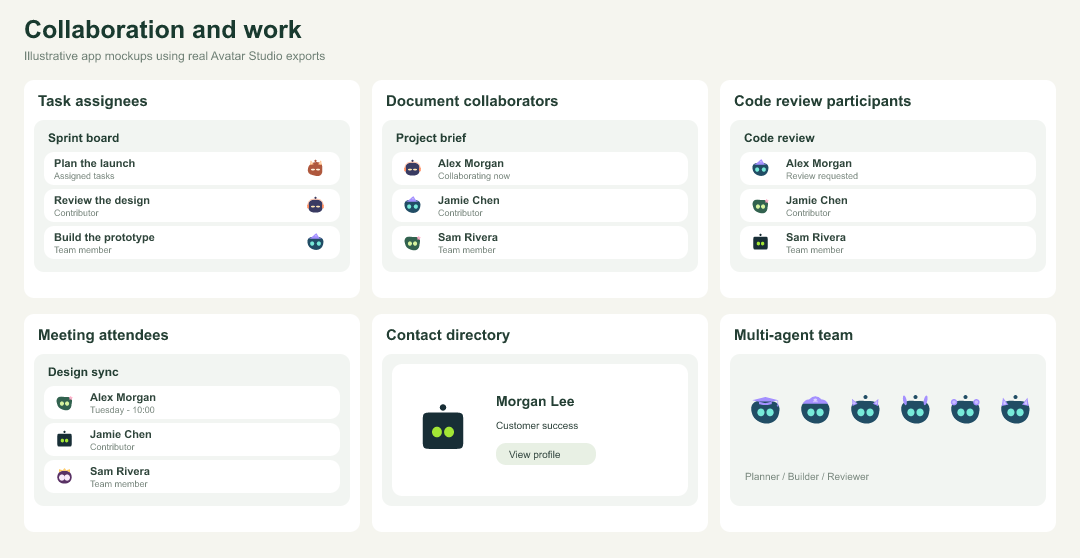
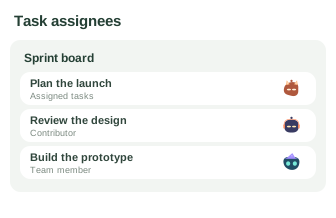
| Task assignees | Identify owners on a project board. | create_avatar_batch |
| Document collaborators | Show people currently editing a document. | create_avatar_batch |
| Code review participants | Show authors and reviewers near changes. | generate_identity |
| Meeting attendees | Represent invitees in calendar events. | create_avatar_batch |
| Contact directory | Give contact records a default identity. | generate_identity |
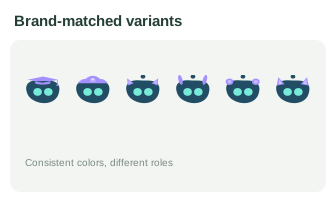
| Multi-agent team | Differentiate agents while preserving brand colors. | create_avatar_variants |
Branding and product identity#
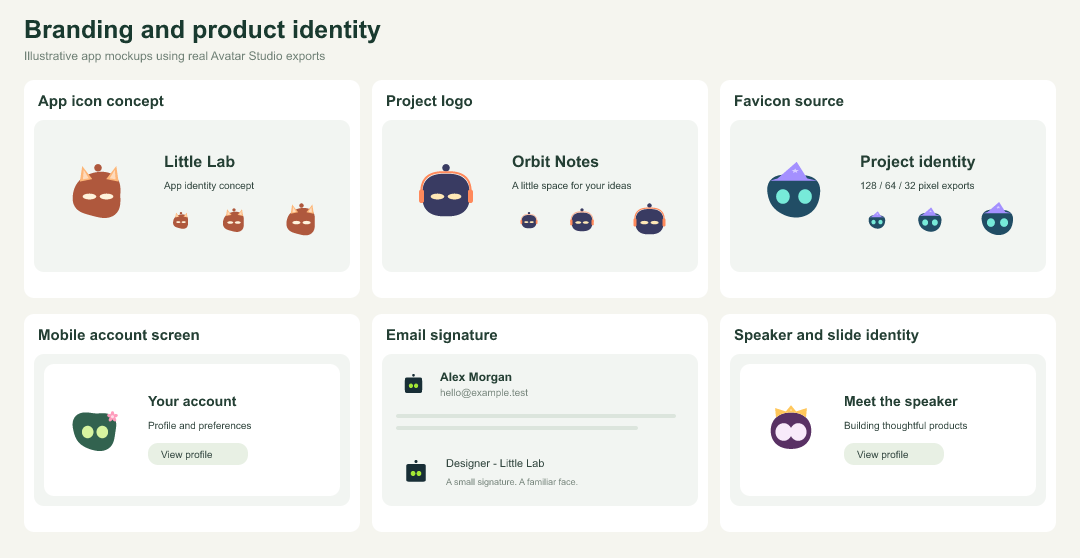
| Example | How to use it | Tool or export |
|---|---|---|
| App icon concept | Start an icon design from a robot mascot. | create_avatar |
| Project logo | Give side projects an expressive visual mark. | create_avatar |
| Favicon source | Export SVG or PNG as a favicon source. | create_avatar |
| Mobile account screen | Use exported assets in a native app. | create_avatar |
| Email signature | Add a personal mark to your signature. | SVG / PNG export |
| Speaker and slide identity | Use a consistent avatar in presentations. | SVG / PNG export |
Content and community identity#
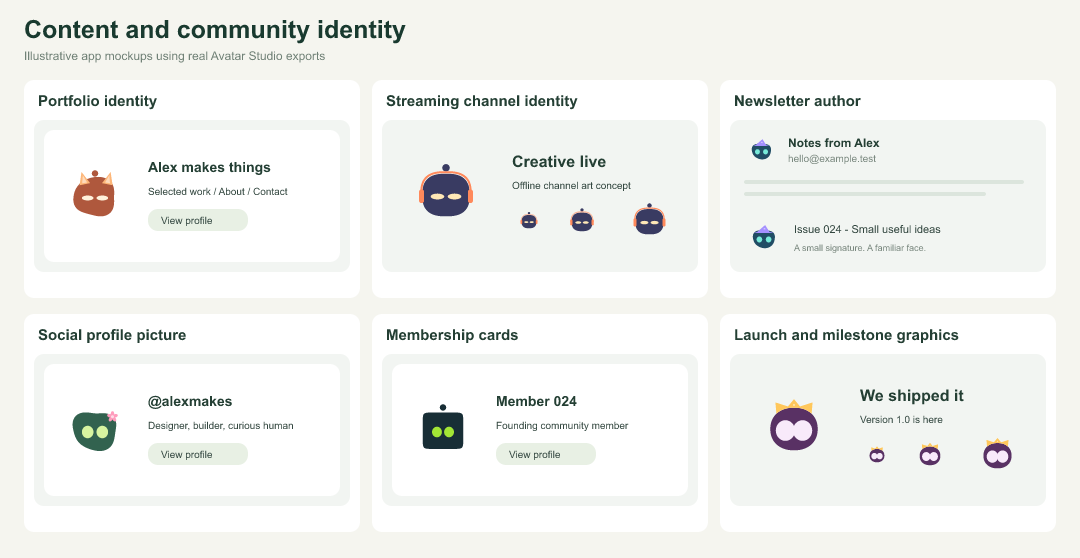
| Example | How to use it | Tool or export |
|---|---|---|
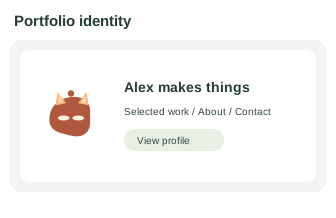
| Portfolio identity | Carry your avatar across a personal site. | SVG / PNG export |
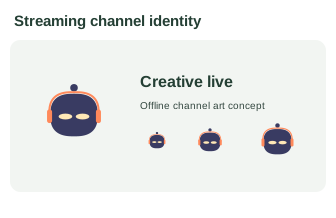
| Streaming channel identity | Use an avatar as a channel identity asset. | GIF / PNG export |
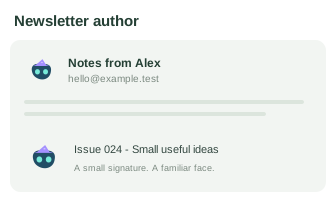
| Newsletter author | Show the author in newsletter headers. | PNG export |
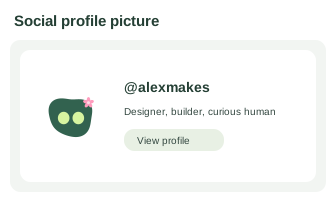
| Social profile picture | Upload a profile image where supported. | PNG export |
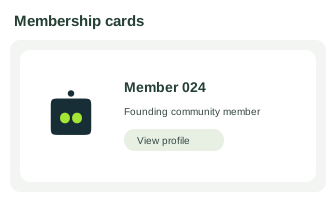
| Membership cards | Personalize fictional community member cards. | create_avatar_batch |
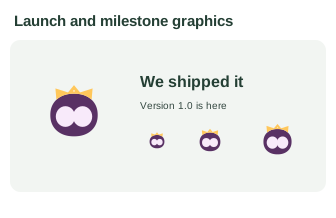
| Launch and milestone graphics | Add a mascot to launch announcements. | SVG / GIF export |
Games and learning#
| Example | How to use it | Tool or export |
|---|---|---|
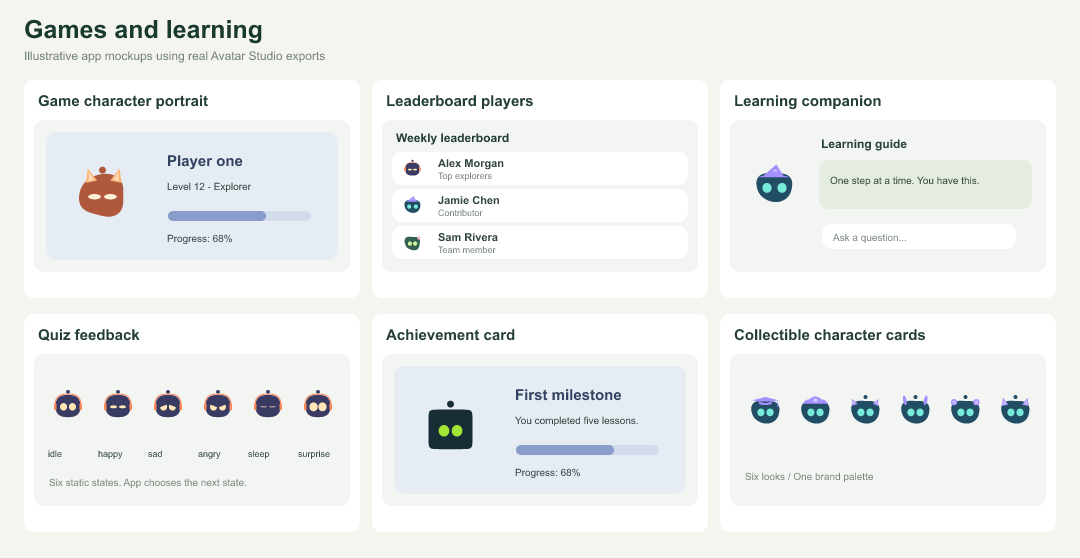
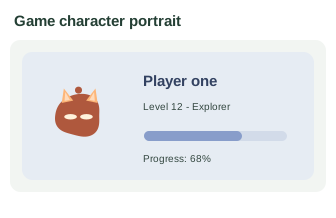
| Game character portrait | Give players a customizable portrait. | create_avatar |
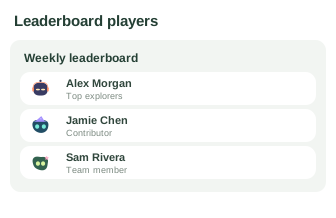
| Leaderboard players | Use repeatable avatars beside player scores. | generate_identity |
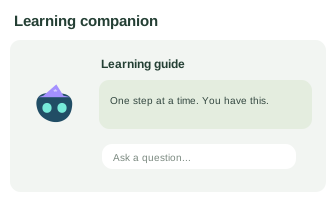
| Learning companion | Add a character beside lesson guidance. | create_avatar_component |
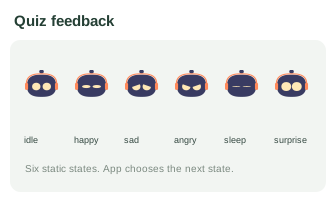
| Quiz feedback | Celebrate answers or show retry feedback. | create_expression_pack |
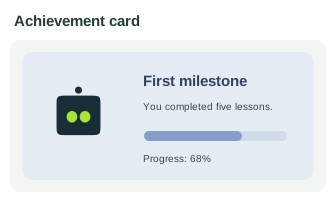
| Achievement card | Personalize an achievement illustration. | create_avatar |
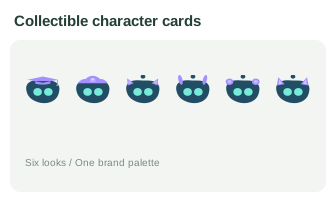
| Collectible character cards | Generate visual character collections. | create_avatar_variants |
Developer and agent workflows#
| Example | How to use it | Tool or export |
|---|---|---|
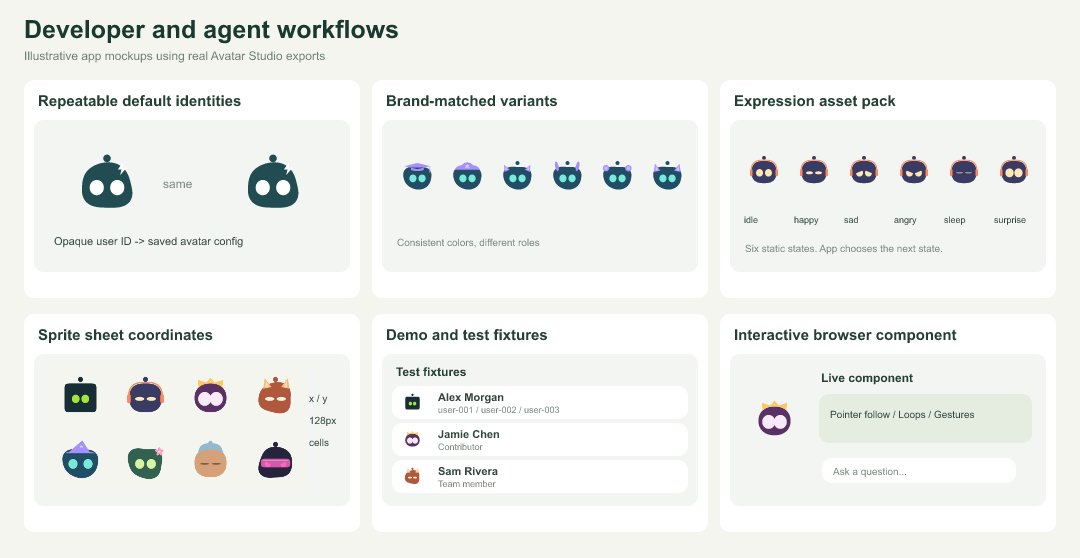
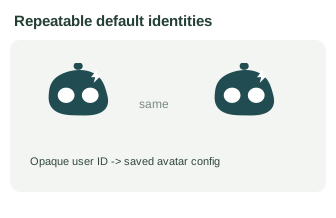
| Repeatable default identities | Generate a stable look from an opaque ID. | generate_identity |
| Brand-matched variants | Keep colors fixed while varying accessories. | suggest_brand_palette + create_avatar_variants |
| Expression asset pack | Export six named states for app logic. | create_expression_pack |
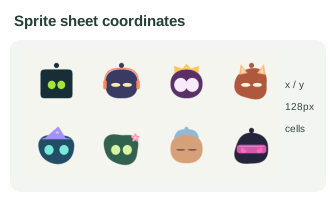
| Sprite sheet coordinates | Use frame coordinates in canvas or games. | create_sprite_sheet |
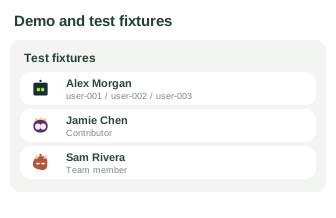
| Demo and test fixtures | Create named users for mock interfaces. | create_avatar_batch |
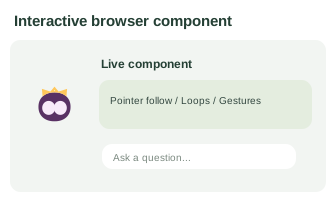
| Interactive browser component | Generate npm integration code for live controls. | create_avatar_component |
Choose an integration#
| Need | Use |
|---|---|
| A profile picture, logo, signature, slide, or native app asset | Website SVG/PNG/GIF downloads, npm exportAvatar, or MCP create_avatar. |
| Animated browser avatars with actions, cursor following, gestures, and looping | npm configureAvatar or MCP create_avatar_component for integration code. |
| Named users or a team set | create_avatar_batch. |
| Repeatable default avatars | generate_identity; pass an opaque ID and persist its returned config. It is not authentication or an anonymity guarantee. |
| A consistent brand palette and variations | suggest_brand_palette then create_avatar_variants. |
| Six image poses for application states | create_expression_pack; your app controls when to display each pose. |
| A canvas/game atlas with frame coordinates | create_sprite_sheet; the app implements rendering and animation. |
| Discover controls or validate agent-generated settings | get_capabilities, list_accessories, and validate_avatar. |
See the MCP-generated live component configuration for looping, pointer-following, and antenna flash settings. Source: 48 use-case definitions, MCP export metadata, and the gallery builder. After installing MCP dependencies, run node scripts/build-use-case-gallery.mjs to rebuild the mockups. PNG previews are committed so GitHub can display them directly.